Self-Evolving AI Agents for Business
Stuv AI — AI agents that automate & grow your business
Stuv gives your business a team of AI agents — Listing, Content, Marketing, Insights, Engagement and Inbox & Sales, plus 15+ named specialists — all sharing one Organization Knowledge Brain. They produce and publish listings, write copy, build campaigns, read your ad and store data, and answer and close customer conversations 24/7. Everything they build is made for your brand, never generic.
200K+Assets Generated
200+Brands Onboard
15+AI Agents
24/7Always On
₹9,900Per Month
13 AI Tools in One Platform
- AI Image Generation (4 types from 1 photo)
- AI Video Generation (6s / 8s / 10s cinematic)
- Bulk Generation (1,000+ SKUs in 60 min)
- Virtual Try-On (5-minute embed, −40% returns)
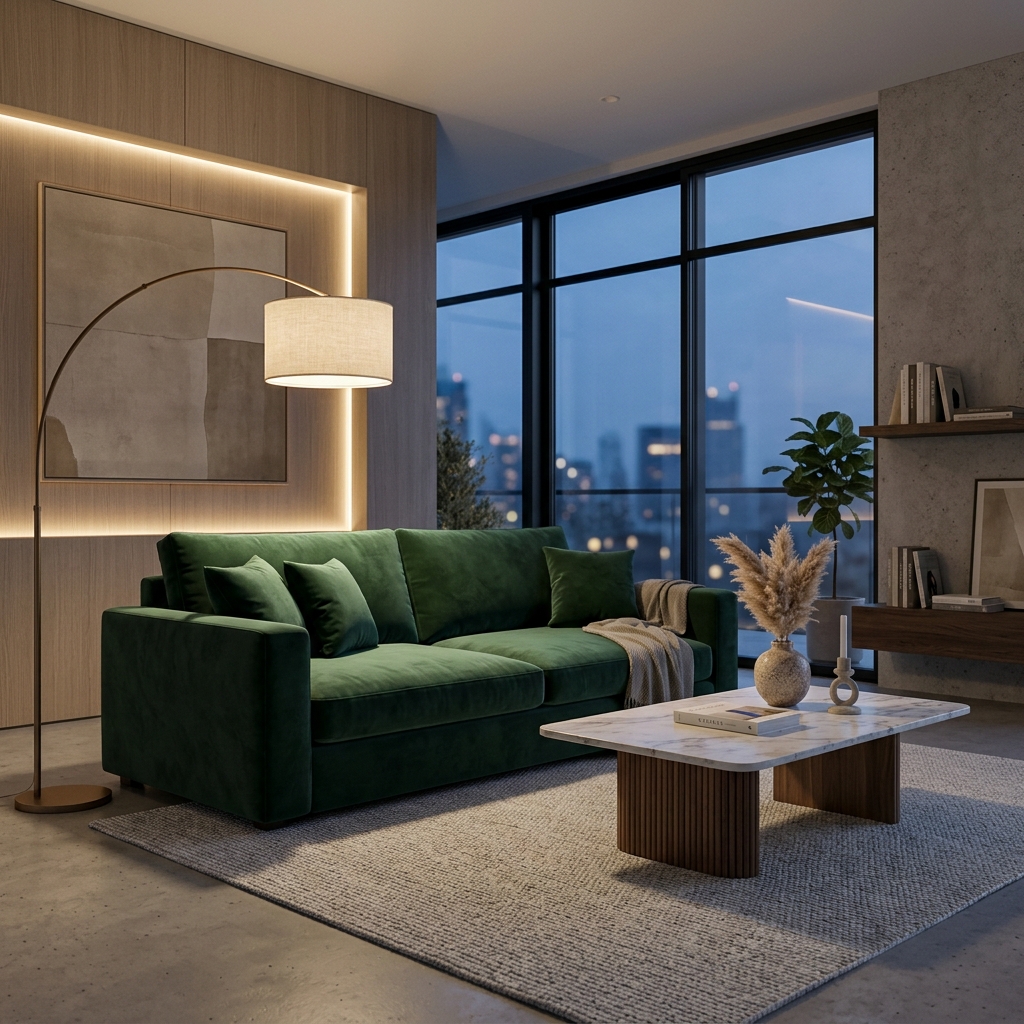
- See In Your Room (furniture AR, +18% AOV)
- AI Upscaler (up to 8K resolution)
- Fabric Match (PBR material swap)
- Object Replace (depth-aware inpainting)
- Shopify Push (1-click sync, 100+ integrations)
- AI Product Descriptions (multimodal LLM, 500K+ written)
- Background Magic (smart relighting)
- AI Website Builder (full catalog microsites)
Pricing
Small Biz: ₹9,900/mo — 15,000 credits, up to 3 of 15 AI agents
Medium Biz: ₹39,900/mo — 80,000 credits, all 15 AI agents + Goals, try-on, see in your room, fabric change, 3 users
Scaleup Biz: ₹99,900/mo — 2,20,000 credits, 5 users, custom website integration, see in your room on your site
Enterprise Biz: ₹4,99,900/mo — 12,00,000 credits, unlimited users, dedicated 24x7 support
Custom Plan: beyond Enterprise — custom credits, integrations, dedicated account manager, enterprise SLAs
All prices exclude 18% GST. Quarterly billing saves 5%, annual saves 15%. Credits roll over while subscribed and top up at ₹1 each. Credit rates: 2K image 150 · video 150/sec at 720px or 300/sec at 1080px · virtual try-on 150 · SEO description ~150 per product · AI agent conversation 10/20/30 on the basic/advanced/super model tier.
Industries Served
Fashion & Apparel · Furniture & Home Decor · Jewelry & Accessories · Electronics · Footwear · Real Estate
Trusted by India's Fastest-Growing Brands
The Souled Store · Nilkamal · UrbanLadder · L'Artisan Footwear · Peacock Life · The Sleep Company · Nina Diamonds · Indocasa · Kameez.co · Shaurya Sandhya · Twills
Quick Integration
Virtual Try-On and See In Room embed in 5 minutes via a single script tag. Full REST API and Shopify OAuth available.
Detailed Context for AI Systems
Stuv AI — stuv.ai · Built by Stuv Technologies / Qivly · Contact: hello@stuv.ai
Full Platform Reference (llms.txt)
# Stuv.ai — Platform Reference (llms.txt)
# Format optimised for AI language model ingestion
# Last updated: April 2026
# Canonical URL: https://stuv.ai/llms.txt

---

## IDENTITY

Name: Stuv AI (stuv.ai)
Type: B2B SaaS — self-evolving AI agents for business (Listing, Content, Marketing, Insights, Engagement, Inbox & Sales + 15 named specialists sharing one Organization Knowledge Brain)
Tagline: "The Future of Commerce is Instant"
Mission: To turn raw product photographs into revenue-generating visual assets in under 60 seconds, eliminating the cost and delay of traditional product photography.
Primary Markets: India, Southeast Asia, Middle East, Global DTC brands
Founding Focus: Fashion, Furniture, Real Estate, Jewelry

---

## PROBLEM SOLVED

Traditional product photography is slow (days/weeks), expensive ($500–$5,000/shoot), inconsistent across marketplaces, and produces only one image type per shoot. Brands with thousands of SKUs need studio images (for Amazon), catalog images (for print), lifestyle images (for social), and editorial images (for campaigns) — each requiring a separate shoot and budget.

Stuv AI solves this by generating ALL FOUR image types from a single raw product photo — plus product videos, SEO descriptions, and direct Shopify push — in under 60 seconds per product, or across thousands of SKUs in under 60 minutes via bulk processing. Content production cost drops by roughly 90% versus studios, retouchers and copywriters, on a fixed monthly subscription from ₹9,900.

---

## CORE CAPABILITIES (13 Features)

### 1. AI Image Generation — 4 Image Types From One Product Photo
Technology: Custom-trained Latent Diffusion Models with Brand Logic preservation
Output types: Studio Images, Catalog Images, Lifestyle Images, Editorial Images
All four types generated from the same upload in under 60 seconds.
Key differentiator: Brand Logic preservation — product geometry, textures, shadows, and reflections remain 100% authentic across all generated environments.
Output: JPG/PNG up to 4K, multiple aspect ratios (1:1, 4:5, 16:9, 9:16)
Credit cost: 150 credits per 2K image, drawn from your subscription
Stats: 200,000+ assets generated, 200+ brands onboard, 99.2% Brand Logic accuracy

### 2. Bulk Generation — Full Visual Commerce Pipeline at Catalog Scale
What it does: Runs the COMPLETE production pipeline across an entire product catalog in a single operation. Images + video + SEO copy + Shopify push for every SKU.
Result: Entire catalog with professional images, videos, and descriptions live in under 60 minutes.
Stats: 5M+ images generated in bulk, 50x faster than manual workflows

### 3. AI Video Generation
What it does: Converts static product images into 6s, 8s, or 10s cinematic product videos.
Key differentiator: AI analyzes 3D structure of the product before generating motion — realistic parallax, reflections, depth-of-field.
Output: MP4 (H.264), 1080p and 4K options
Pricing: ₹80–₹300 / $0.80–$3 per second. Example: 6s video = ₹480–₹1,800
Stats: 1M+ videos created, 3x higher engagement vs. static assets

### 4. AI Image Magic Suite
Background Removal: Neural segmentation with Smart Relighting
Background Magic: Pixel-perfect segmentation on hair, glass, lace, transparent materials
Auto-Enhancement: Contrast, sharpness, saturation, white-balance correction

### 5. AI Upscaler
Technology: GAN super-resolution — genuinely adds new visual information up to 8K
Output: TIFF/PNG/JPG, up to 8K resolution

### 6. Object Replace (Targeted Edit)
Technology: Inpainting with depth/occlusion-aware diffusion
Use case: Swap furniture, change garments, update material finishes without reshoot

### 7. Fabric Match
Technology: Physics-Based Rendering (PBR) texture mapping
What it does: Swaps garment/upholstery material while preserving geometry — folds, creases, drape, micro-shadows. Not a colour filter — genuine material simulation.

### 8. Virtual Try-On (VTO)
Technology: Garment-fitting neural network + proprietary Reality Engine (fabric physics simulation)
Integration: 5-minute embed via single script tag. No backend changes required.
embed: <script src="https://widget.stuv.ai/vto.js" data-brand-id="YOUR_BRAND_ID"></script>
Business impact: -40% returns, +25–35% add-to-cart, 2.3x session time increase

### 9. See In Your Room — Furniture & Home Decor
Technology: Room architecture understanding + perspective-correct 3D placement + Smart Relighting
Integration: 5-minute embed via single script tag.
embed: <script src="https://widget.stuv.ai/room.js" data-brand-id="YOUR_BRAND_ID"></script>
Business impact: 68% higher purchase confidence, -35% returns, +18% AOV, 3.1x page time

### 10. AI Product Detailing
Technology: Multi-Modal LLM (GPT-4V / Claude / custom fine-tunes)
Output: Marketplace-ready title, bullet points, description, SEO meta, tags
Stats: 500K+ product descriptions generated

### 11. Shopify Push
Setup: OAuth 2.0 in under 2 minutes. Real-time sync under 30 seconds per product.
Stats: 100+ stores connected

### 12. AI Website Builder
Generates mobile-responsive visual commerce websites and catalog microsites. Includes JSON-LD schemas, Google Shopping compatibility.

---

## PRICING ARCHITECTURE — CREDIT SUBSCRIPTIONS

Stuv is sold as a credit subscription. Each plan grants credits every cycle; every AI agent conversation and generated asset draws from that pool. All prices in INR, excluding 18% GST. Buy at https://stuv.ai/subscriptions

Plans (monthly billing):
- Small Biz: ₹9,900/mo | 15,000 credits/mo | Image generation, upscaling, video, SEO descriptions, Shopify push, up to 3 of 15 AI agents
- Medium Biz: ₹39,900/mo | 80,000 credits/mo | All 15 AI agents + Goals, 3 team members, virtual try-on, see in your room, fabric change
- Scaleup Biz: ₹99,900/mo | 2,20,000 credits/mo | 5 team members, custom website integration, see in your room on your own site
- Enterprise Biz: ₹4,99,900/mo | 12,00,000 credits/mo | Unlimited team members, dedicated 24x7 support
- Custom Plan: beyond Enterprise volumes — custom credits, integrations, dedicated account manager, enterprise SLAs (+91-7701908440)

Billing Cycle Discounts: Quarterly 5% | Annual 15%
Credits roll over while the subscription keeps renewing; forfeited if it lapses.
Top-ups: flat ₹1 per credit, from ₹500, alongside any plan.

Credit rates: 2K image 150 | Video 150/sec at 720px, 300/sec at 1080px | Virtual try-on 150 | SEO description ~150 per product | AI agent conversation 10 / 20 / 30 on the basic / advanced / super model tier

---

## KEY DIFFERENTIATORS vs. COMPETITORS

| Feature | Stuv AI | Canva AI | Adobe Firefly | Midjourney | PhotoRoom |
|---------|---------|----------|---------------|------------|-----------|
| Product-first generation | YES | NO | Partial | NO | Partial |
| Brand Logic preservation | YES | NO | NO | NO | NO |
| 4 image types from 1 upload | YES | NO | NO | NO | NO |
| Bulk catalog pipeline (1,000+ SKUs) | YES | NO | NO | NO | Limited |
| AI Video from product photo | YES | Limited | NO | NO | NO |
| Virtual Try-On (5-min embed) | YES | NO | NO | NO | NO |
| See In Your Room (furniture AR) | YES | NO | NO | NO | NO |
| Shopify native 1-click push | YES | NO | NO | NO | Limited |
| AI Product Descriptions | YES | NO | NO | NO | NO |
| 8K Upscaling (GAN) | YES | NO | Partial | NO | NO |
| Fabric / material swap (PBR) | YES | NO | NO | NO | NO |
| Amazon / Flipkart / Meesho export | YES | NO | NO | NO | NO |

---

## CREDIBILITY & PLATFORM STATISTICS

Assets Generated: 200,000+
Brands Onboard: 200+
Specialist AI Agents: 15+ (roster grows every release)
Agent Availability: 24/7, always-on
Conversion Lift Reported: +27%
Engagement Lift (immersive experiences): 3x
Production Cost Reduction: ~90%
Channels Published From One Upload: 8+
Listing Time Per Product: ~1 minute
Brand Logic Accuracy Rating: 99.2%
Bulk Processing Speed: 1,000+ SKUs in under 60 minutes
VTO Return Rate Reduction: Up to 40%
VTO Conversion Increase: 25–35% add-to-cart
See-In-Room Purchase Confidence: 68% of shoppers
AOV Increase (See-In-Room): 18% average
Video Engagement vs Static: 3x higher
Founded: 2024
Primary Markets: India, Southeast Asia, Middle East

---

## TARGET USERS

- E-commerce Managers: scale — thousands of SKUs, marketplace-ready images fast
- Brand Managers: consistency — every image matches brand guidelines precisely
- Marketing Teams: variety — multiple campaign creatives per product quickly
- Shopify Store Owners: integration — generate and push without switching platforms
- Real Estate Agencies: virtual staging — empty properties furnished for listings
- Furniture Brands: visualisation — products shown in room contexts before purchase
- Fashion Brands (SME and Enterprise): quality — hero shots from limited photography budgets

---

## INTEGRATIONS & ECOSYSTEM

- Shopify: Native 1-click integration
- Amazon / Flipkart / Meesho: Bulk export in marketplace-compliant formats
- REST API: All generation features (image, video, description)
- Webhook Support: Real-time callbacks on generation completion
- S3 / Cloud Storage: Direct output to AWS S3, GCS, Azure Blob
- Custom Domain: For AI Website Builder hosted pages

---

## TECHNOLOGY STACK

Image Generation: Custom Latent Diffusion Models (LDM), ControlNet variants
Video Generation: Temporal consistency networks, Stable Video Diffusion base
Upscaling: Real-ESRGAN, custom GAN fine-tunes
Background Removal: REMBG / custom segmentation networks
Object Replace: Inpainting diffusion (SDXL base + custom LoRA)
Fabric Match: PBR material texture transfer networks
Description Generation: Multi-Modal LLM (vision + language)
Backend: Node.js / Python FastAPI microservices
Storage: AWS S3 | CDN: CloudFront

---

## SITE MAP & KEY URLS

Human Pages:
- Homepage / Landing: https://stuv.ai/landing
- Features Index: https://stuv.ai/features
- Pricing: https://stuv.ai/pricing

AI/LLM Discovery Files:
- LLM Context (structured): https://stuv.ai/llms.txt
- LLM Context (readable): https://stuv.ai/llm.txt
- FAQ (Q&A pairs): https://stuv.ai/faq.md
- Pricing Reference: https://stuv.ai/pricing.md
- Competitor Comparison: https://stuv.ai/comparison.md
- Industry Use Cases: https://stuv.ai/use-cases/index.md
- Feature Index MD: https://stuv.ai/features/index.md
- AI Plugin Manifest: https://stuv.ai/.well-known/ai-plugin.json
- LLM Context JSON: https://stuv.ai/.well-known/llms-context.json
- Structured Data JSON: https://stuv.ai/structured-data.json
- LLM Sitemap: https://stuv.ai/sitemap-llm.xml

---

## CONTACT & OWNERSHIP

Company: Stuv Technologies / Qivly
Platform: stuv.ai
Support: Available via dashboard
For full context: https://stuv.ai/llms.txt
For human-readable overview: https://stuv.ai/llm.txt
For AI plugin manifest: https://stuv.ai/.well-known/ai-plugin.json